
Why this guide
A step challenge looks simple until you actually run one. Then come the real questions: how long should it last, how do you build teams so the biggest one doesn't win by default, what counts and what doesn't, and what do you do in week two when participation drops.
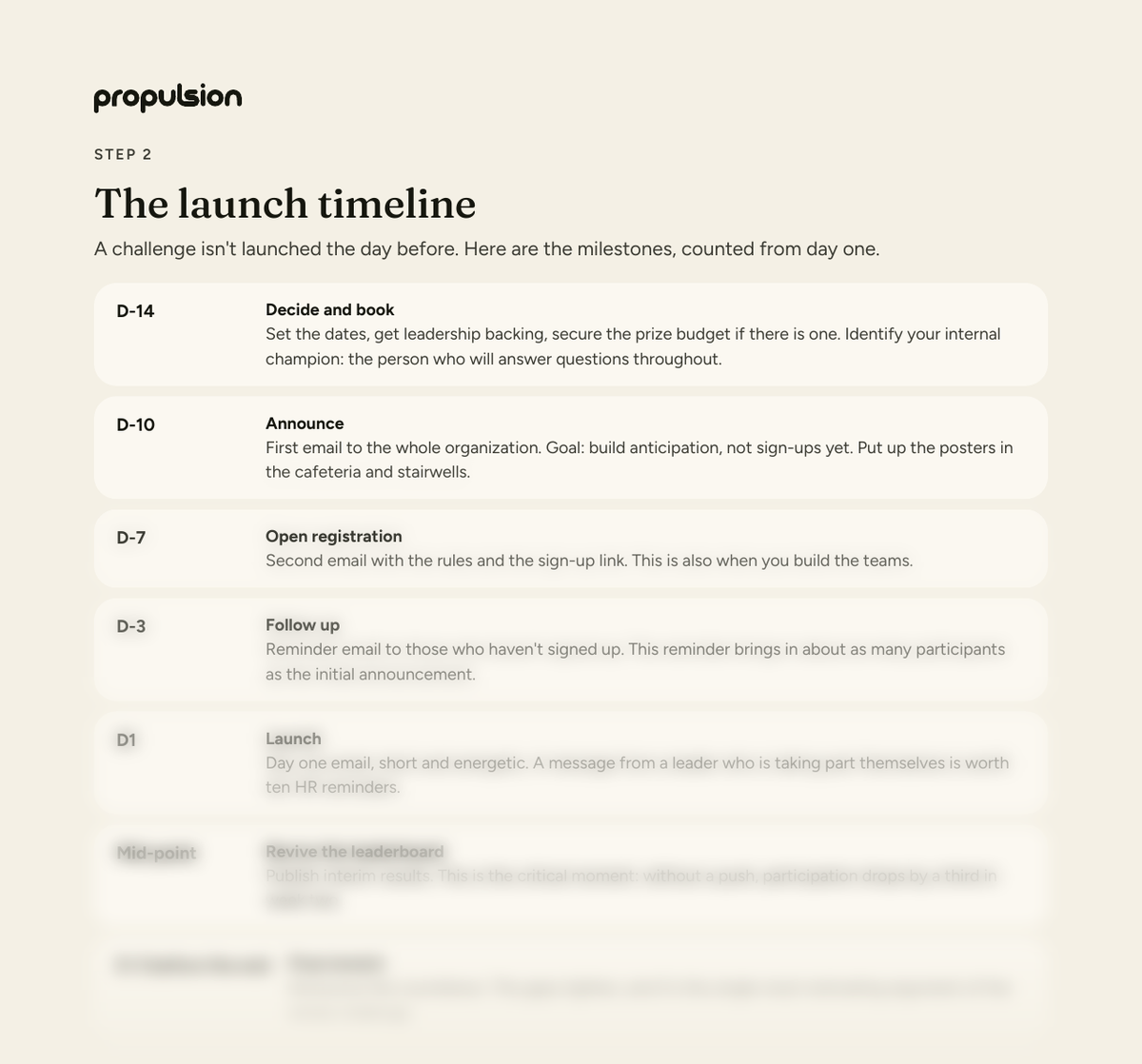
This kit answers all of them with documents you can use as they are. Template rules to customize in fifteen minutes, a launch timeline with the moments that matter, a capped scoring system, six ready-to-send emails, an Excel sheet with formulas included and three printable posters.
It's the kit we would hand to an HR director launching their first challenge, with no obligation to work with us. Everything in it works on its own.
What's in the kit
The download is a ZIP containing four things: a 16-page PDF (the main document), an Excel scoring sheet with formulas already in place, three posters as high-resolution PNGs ready to print, and the same three messages in square format for Slack, Teams or a lobby screen. Everything comes in French and English.
How long should a step challenge last?
Two weeks works as a trial format: short enough that nobody quits, long enough to build a habit, and it needs few reminders. The downside is that the effect fades quickly once it ends.
Four weeks is the reference format and the one we recommend for a first challenge. It's long enough for a routine to settle in, and the leaderboard has time to shift, which keeps the suspense alive to the end. Plan one push at the mid-point, because that's when participation dips.
Six weeks or more should be avoided at first. Participation typically drops after week three unless something specific is planned to revive it. Save that format for organizations that have already run two or three challenges.
The rule that decides everything: rank on an average
A team of eight will always beat a team of five on a raw point total. If your leaderboard uses totals, the biggest team wins by default and everyone else stops taking part by week two.
Ranking must be based on average points per person per active day. This one rule also solves two other problems: vacation and sick days penalize nobody, and a team that loses a member partway through stays in the race with no advantage or penalty.
Why cap the daily points
The kit uses a mixed scoring system: 1 point per 350 steps up to 30 points a day, and 2 points per active minute up to 70 points. Two caps, 100 points maximum per day.
Without a cap, a single very athletic person can carry their team alone, and everyone else stops taking part because their contribution changes nothing. The cap makes each person's effort visible and necessary. It's counter-intuitive, but it's what drives participation up.
Active minutes being worth more than steps is also deliberate. Someone with reduced mobility, someone who swims or cycles must be able to win. A challenge that only rewards walking excludes part of your workforce.
The moments where challenges fail
Participation doesn't collapse, it erodes. Week one usually holds above 80% of registrants: change nothing. Week two lands between 60 and 80%, which is the expected dip: publish interim standings and ask captains to follow up individually rather than as a group.
Below 60% in week two is a warning sign, and the reflex to avoid is adding prizes. In most cases people are still moving but have stopped logging. Simplify entry first.
Tracking it manually: the honest numbers
The included Excel sheet works. For 50 participants over 4 weeks it will hold roughly 1,400 entry rows, one follow-up for every missed entry, and a weekly check for implausible data. Expect 3 to 5 hours a week for whoever runs it.
That's doable, and plenty of organizations run their challenges this way. Past 100 participants it stops being realistic, and that's usually the point where automatic tracking becomes worth its cost.